
Students
Best Refurbished Laptops for Students
Balance price, battery life, portability and useful performance for everyday coursework.
Read the buying guide →Use these guides to understand product fit, specifications, condition, value, seller quality and buying risk before comparing current marketplace listings.


Pillar guide
Compare performance, durability, configuration and value for school, work, programming and gaming.
Balance price, battery life, portability and useful performance for everyday coursework.
Read the buying guide →Find genuinely usable budget systems without settling for obsolete or poorly supported hardware.
Read the buying guide →
Compare stronger mid-range configurations for productivity, school and general home use.
Read the buying guide →ThinkPads, EliteBooks and Latitudes evaluated for build quality, keyboards, repairability and longevity.
Read the buying guide →Focus on memory, CPU generation, display space, keyboard quality and operating-system compatibility.
Read the buying guide →
Compare GPU generation, cooling, displays, upgrade paths and the risks that matter in used gaming hardware.
Read the buying guide →Understand Apple Silicon generations, memory, battery condition, lock status and long-term value.
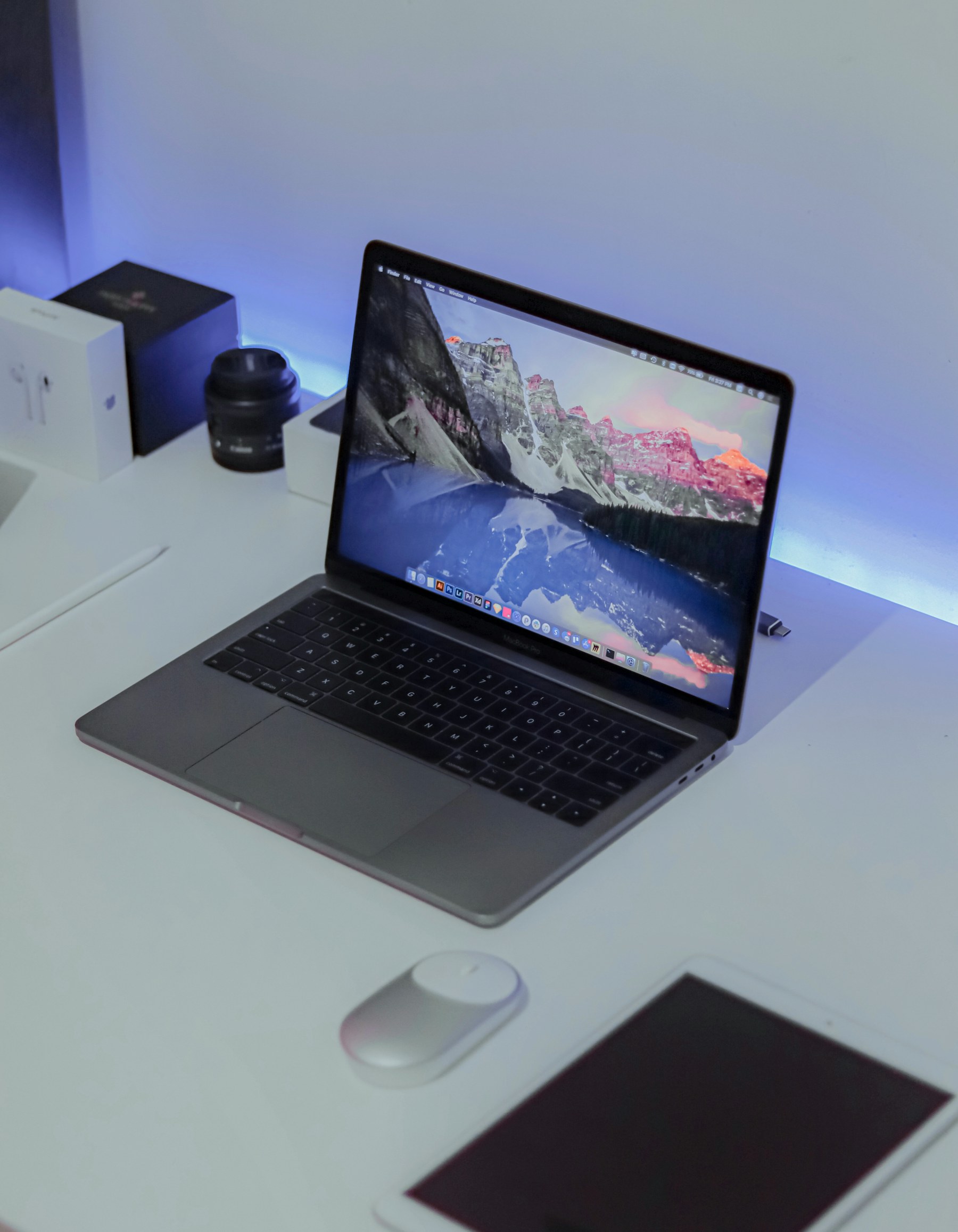
Review Apple Silicon, battery health, Activation Lock, remote management and configuration choices.
Read the buying guide →Decide whether the lower M1 price or the newer M2 design creates better value for your workload.
Read the buying guide →
Compare the M1 and M2 Mac mini as affordable desktop entry points into the Apple ecosystem.
Read the buying guide →Use seller history, photographs, condition details, specifications and returns to separate value from risk.
Read the buying guide →See where competing product lines differ in durability, repairability, displays, performance and buyer fit.
Compare business durability and repairability against premium design and display quality.
Read the buying guide →Compare two business-laptop families for keyboards, serviceability, longevity and value.
Read the buying guide →Choose between compact business desktops based on upgradeability, ports, form factor and price.
Read the buying guide →Compare 4K, ultrawide and office-monitor options for panel quality, ergonomics and connectivity.
Read the buying guide →
Compare software support, cameras, battery condition, storage and long-term Android value.
Read the buying guide →Research battery health, storage, account locks, carrier compatibility and return protection.
Understand Activation Lock, battery health, carrier status, storage and seller return coverage.
Read the buying guide →Compare iPad generations, displays, accessories, storage and software-support value.
Read the buying guide →Evaluate upgradeability, ports, panel condition, ergonomics and total workspace value.
Compare reliable business desktops for remote work, productivity and affordable upgrades.
Read the buying guide →Choose resolution, size, ergonomics and connectivity without paying full retail pricing.
Read the buying guide →RefurbPicks product pages explain the exact listing before the final marketplace handoff.